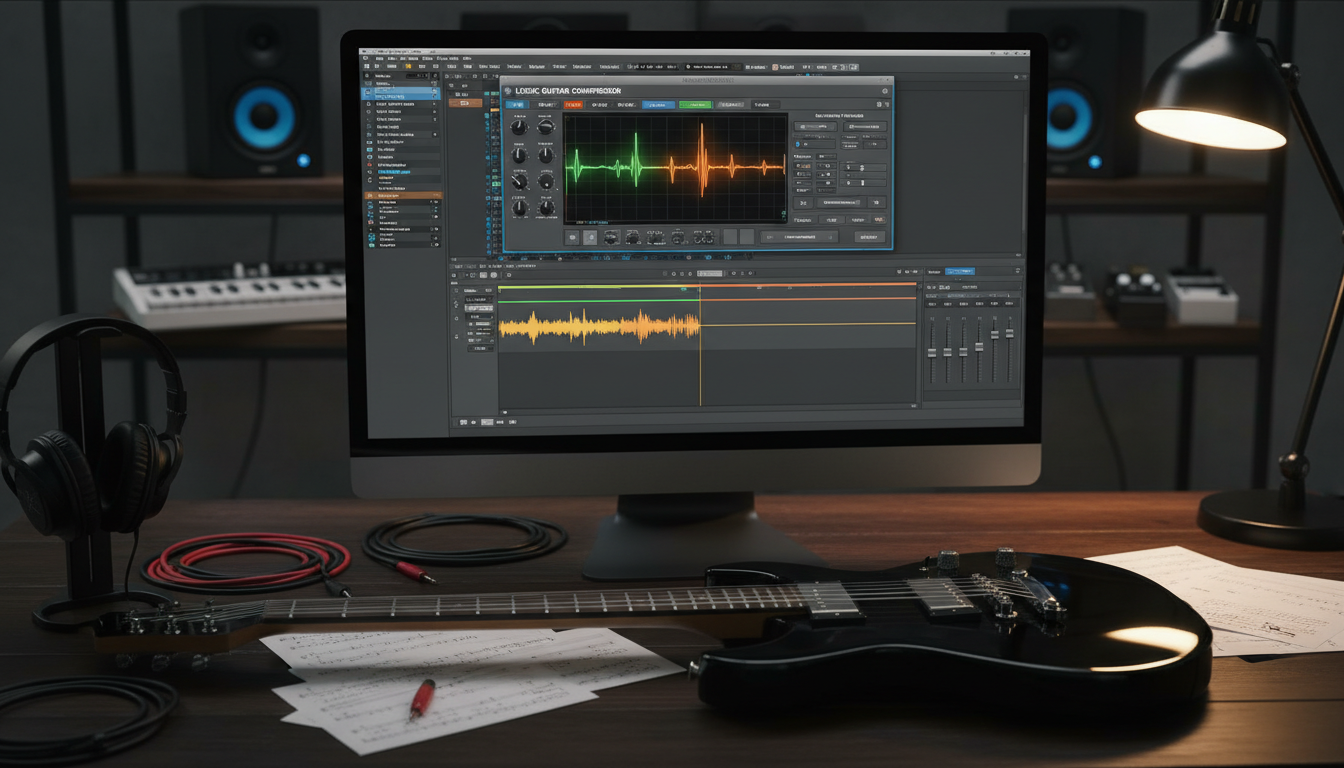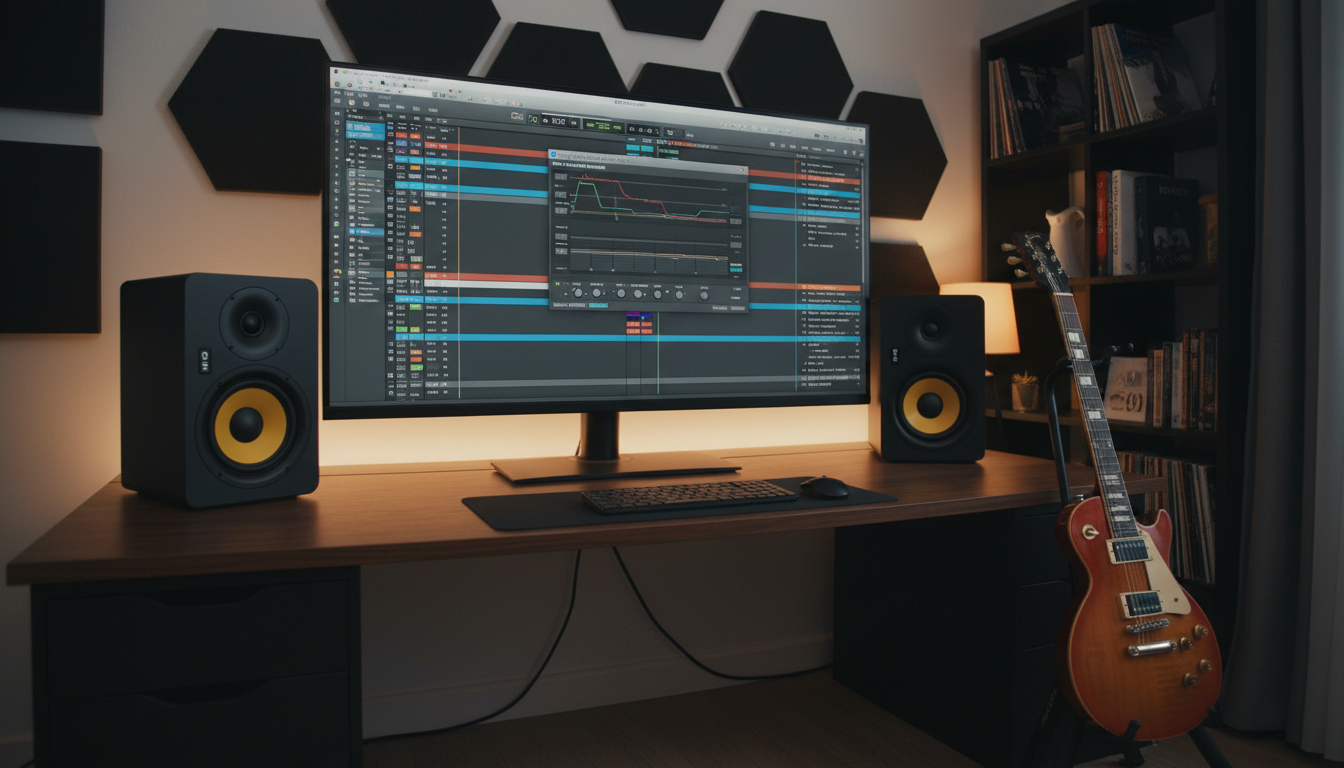

Getting a professional sound is more than just adjusting knobs. Learning how to mix electric guitar in logic pro teaches you to see your tracks as part of a bigger picture. It’s a mistake to focus only on one instrument and ignore the rest.
Never solo your tracks during the main balancing phase. Soloing a single instrument takes away the context needed for a unified sound. Use gain plugins to adjust volume levels while listening to the whole project. This ensures each element works well together, not against each other.

By using these logic pro guitar mixing tips, you’ll avoid making decisions that sound good alone but not in the full song. Mastering this approach is key to a polished, radio-ready sound. Let’s explore the techniques that will elevate your recordings.
Key Takeaways
- Avoid soloing tracks to maintain proper context within the full arrangement.
- Use gain plugins for volume adjustments instead of relying solely on faders.
- Focus on how instruments interact rather than perfecting them individually.
- Prioritize the balance of the entire song to achieve a professional sound.
- Implement these strategies to save time and improve your final mix quality.
Preparing Your Logic Pro Session for Guitar Mixing
A professional mix starts long before you start using plugins or adjusting faders. Learning how to mix electric guitar in Logic Pro shows that your output’s quality depends on your project’s state. A clean workspace lets you focus on creativity, not searching for files.
Organizing Tracks and Color Coding
Begin by organizing your guitar tracks into logical groups. Use the track color tool to color rhythm guitars, leads, and clean textures. This makes logic pro electric guitar mixing easier and more intuitive. It helps you quickly find your way in complex sessions.
It’s also key to mute unnecessary overdubs that don’t add to the final mix. Extra tracks can cause muddiness and phase issues, harming clarity. Cleaning your session early ensures only the best performances are included.
Setting Up Gain Staging for Optimal Headroom
Proper gain staging is crucial for plugin performance. Aim for signal peaks around -18dBFS to have enough room for processing. This is a key part of any logic pro guitar mixing tutorial to avoid digital clipping.
Consistent input levels make your compressors and EQs sound more musical. Always check your gain levels before adding heavy effects. This keeps your signal clean and clear throughout the process.
Phase Alignment and Checking Mono Compatibility
Phase issues can silently ruin a great guitar tone. If you recorded with multiple microphones, make sure the waveforms are perfectly aligned. This prevents thin, hollow sounds. Check the sample level to ensure the peaks and valleys match up.
Lastly, check your mix in mono to see if your guitars stay strong. If they thin out significantly, you have a phase cancellation problem. Fixing these issues early is much simpler than trying to cover them up later.
Essential EQ Techniques to Carve Out Space
Learning to mix electric guitar in Logic Pro means EQ is key for clarity. Electric guitars are dense in the mid-range, which can mask vocals or keyboards. By using subtractive EQ, you can clear out the clutter and make the guitar stand out without increasing volume.

Using the Channel EQ for Subtractive Sculpting
The Channel EQ in Logic Pro is great for cleaning up your signal. Instead of boosting frequencies, focus on removing the mud that hides your tone’s true character. This subtractive method is a top logic pro guitar mixing technique for a professional sound.
Begin by sweeping through the frequency spectrum with a narrow Q setting to find problem areas. Identify a frequency that sounds boxy or thin, then lower it by a few decibels. This simple change makes room for other instruments in the mix.
Applying High-Pass and Low-Pass Filters
Filters are key for removing unwanted frequencies. These frequencies can make the mix muddy or introduce harsh digital artifacts. Here’s how to keep your mix clean:
- High-Pass Filter: Cut frequencies below 80Hz to 200Hz to remove low-end rumble and make space for bass and kick drum.
- Low-Pass Filter: Cut frequencies above 6kHz to 10kHz to eliminate harsh high-end content that can cause ear fatigue.
Identifying and Removing Harsh Resonant Frequencies
Specific notes or cabinet resonances can create unpleasant sounds. These harsh frequencies often hide in the 2kHz to 4kHz range, where our ears are most sensitive. Carefully finding these peaks lets you smooth out the tone without losing the guitar’s bite.
To find these, boost a narrow band by 5dB and sweep slowly across the spectrum until you hear a sharp, ringing sound. Once found, cut that specific frequency by 2dB to 4dB to tame the resonance. This ensures your guitar tracks sound polished and consistent throughout the song.
How to Mix Electric Guitar in Logic Pro (Make Your Guitar Sit in the Mix)
Making your electric guitar sound good in the mix is key for producers in Logic Pro. You need to make sure each instrument has its own space. This logic pro guitar mixing tutorial will show you how to get a balanced sound.
Balancing Volume Levels Against the Rhythm Section
Getting your mix right starts with the fader levels. Focus on how your guitars and the rhythm section work together. Proper gain staging helps your guitars add energy without overpowering the track.
Start with your faders at zero and slowly increase the guitars. If they’re too loud, they might hide the snare or vocals. If they’re too quiet, the track will lack impact and drive.
Utilizing Panning to Create Stereo Width
Panning is great for making your electric guitar sound good in the mix. By placing your rhythm guitars left and right, you create a wide soundstage. This leaves the center for vocals and lead instruments.
Use a hard-panned approach for double-tracked guitars to widen the sound. For lead parts, try placing them slightly off-center or in the center. This lets them stand out in the mix. Playing with these positions can make your sound feel three-dimensional.
Managing Mid-Range Clutter with Dynamic EQ
Electric guitars often clash with keyboards and vocals in the mid-range. Instead of a static EQ, use a dynamic EQ to target specific harshness. This gives you surgical control to keep the guitar full while making room for others.
| Guitar Role | Panning Strategy | EQ Focus |
|---|---|---|
| Rhythm Guitars | Hard Left/Right | Cut 300Hz-500Hz |
| Lead Guitar | Center/Slight Offset | Boost 2kHz-4kHz |
| Acoustic Layers | Wide Stereo | High-Pass at 150Hz |
Dynamics Control and Compression Strategies
Mastering dynamics makes your electric guitar parts feel alive and consistent. The right tools can smooth out uneven performances and add a professional sheen. Effective logic pro electric guitar mixing means managing peaks and valleys with precision.

Choosing the Right Compressor for Clean vs. Overdriven Tones
Different guitar tones need different compression approaches. For clean tones, use a transparent compressor that gently levels the signal. The Vintage VCA compressor in Logic Pro is great for this, adding a subtle, musical glue to your clean chords.
For overdriven or distorted guitars, use lighter compression. Focus on catching stray peaks. These logic pro guitar mixing techniques keep your heavy tones aggressive without being squashed or lifeless.
Setting Attack and Release Times for Natural Sustain
The attack and release settings are key to keeping your performance’s character. A slower attack time lets the initial pick transient pass through, keeping the guitar punchy. If the attack is too fast, you lose the natural bite of your playing.
Your release time should match the song’s tempo. A release that’s too fast causes audible pumping, while one that’s too slow might kill the sustain. Aim for a setting that feels rhythmic and supportive of the groove.
Parallel Compression for Added Punch and Presence
Parallel compression on a group bus adds weight to your guitars. By routing your guitar tracks to a dedicated bus, you can apply heavy compression to a duplicate signal. This method keeps the original transient detail while adding density and sustain.
This approach is great for making your guitars feel larger in a dense mix. It adds that extra layer of punch without losing dynamic range. Using these advanced logic pro guitar mixing techniques makes your guitars stand out in any arrangement.
Adding Depth and Dimension with Time-Based Effects
To make your electric guitar sit in the mix just right, add space and movement. Recording directly into your interface can sound too dry. Time-based effects help place your performance in a believable space, making it sound organic.
Creating Space with Logic Pro Space Designer Reverb
Logic Pro’s Space Designer uses real-world sounds to add depth. Choose specific room or plate settings to match your song’s vibe. This logic pro guitar mixing tutorial makes your guitar sound like it was recorded in a pro studio.
Here are some tips for using reverb:
- Use a short room impulse for subtle, natural depth.
- Always use a bus send rather than inserting the plugin directly on the track.
- Apply a high-pass filter on the reverb return to keep the low-end clean.
Using Delay to Enhance Guitar Textures
Delay is better than reverb for adding width without losing clarity. A subtle slapback or rhythmic delay creates a sense of space. This keeps the guitar feeling present and punchy.
| Effect Type | Best Use Case | Recommended Setting |
|---|---|---|
| Slapback Delay | Classic Rock/Blues | 80ms – 120ms |
| Quarter Note Delay | Lead Melodies | Synced to BPM |
| Ping-Pong Delay | Wide Stereo Textures | High Feedback |
Modulation Effects for Movement and Character
Modulation effects like chorus, flanger, or phaser add a unique sonic signature. They introduce subtle shifts that make the sound wider and more alive. Use them sparingly to avoid an unstable sound.
When using modulation, focus on the wet/dry mix to keep your original tone. A little movement can make a big difference in your sound. Experimenting with these textures is key to improving your production.
Advanced Automation for Professional Polish
Automation is key to making a recording feel alive. It goes beyond static levels to add dynamic movement. This ensures every note has the right impact and feeling.
Automating Volume for Consistent Performance
Even top guitarists play with varying intensity. Volume automation helps even out these changes. It keeps quiet parts clear and loud parts from overpowering.
Consistency is key for a pro sound. Instead of just using compression, manual volume changes offer a clearer result. This method keeps the natural feel of the music without losing clarity.
Using Automation to Highlight Specific Sections
Your mix should tell a story, and automation guides the listener. It can highlight key moments, such as:
- Boosting the volume slightly during a melodic lead line to make it pop.
- Automating the output of a distortion pedal to add intensity during the chorus.
- Pulling back the guitar level during vocal phrases to create necessary space.
By focusing on these moments, you create purposeful movement. This keeps the listener engaged and ensures the guitar supports the song, not clashes with it.
Creating Transitions with Effect Automation
Transitions are crucial for a smooth mix. Automation helps move between song sections smoothly by adjusting effects in real-time.
Try automating these parameters for a professional touch:
- Reverb Wet/Dry: Increase the reverb tail right before a transition to create a sense of depth.
- Delay Feedback: Push the feedback up during a final chord to create a lingering, atmospheric wash.
- Filter Cutoff: Sweep a low-pass filter to build tension leading into a drop or a new section.
These small changes help make electric guitar sit in mix by adding cohesion. When effects evolve with the music, the whole production feels more intentional and refined.
Working with Amp Designer and Pedalboard
Your guitar tone is key to your mix. Logic Pro has everything you need to shape it. Start by recording a clean signal through a high-quality DI box. This gives your virtual amps a pristine, noise-free input.
Optimizing Amp Designer Settings for Your Genre
Amp Designer mimics classic hardware. For heavy rock or metal, use high-gain settings. Keep the low-end tight to avoid mud.
For blues or jazz, focus on tube saturation and cabinet resonance. Adjusting the microphone placement can greatly change your tone. Small changes in mic position can be more effective than big EQ moves.
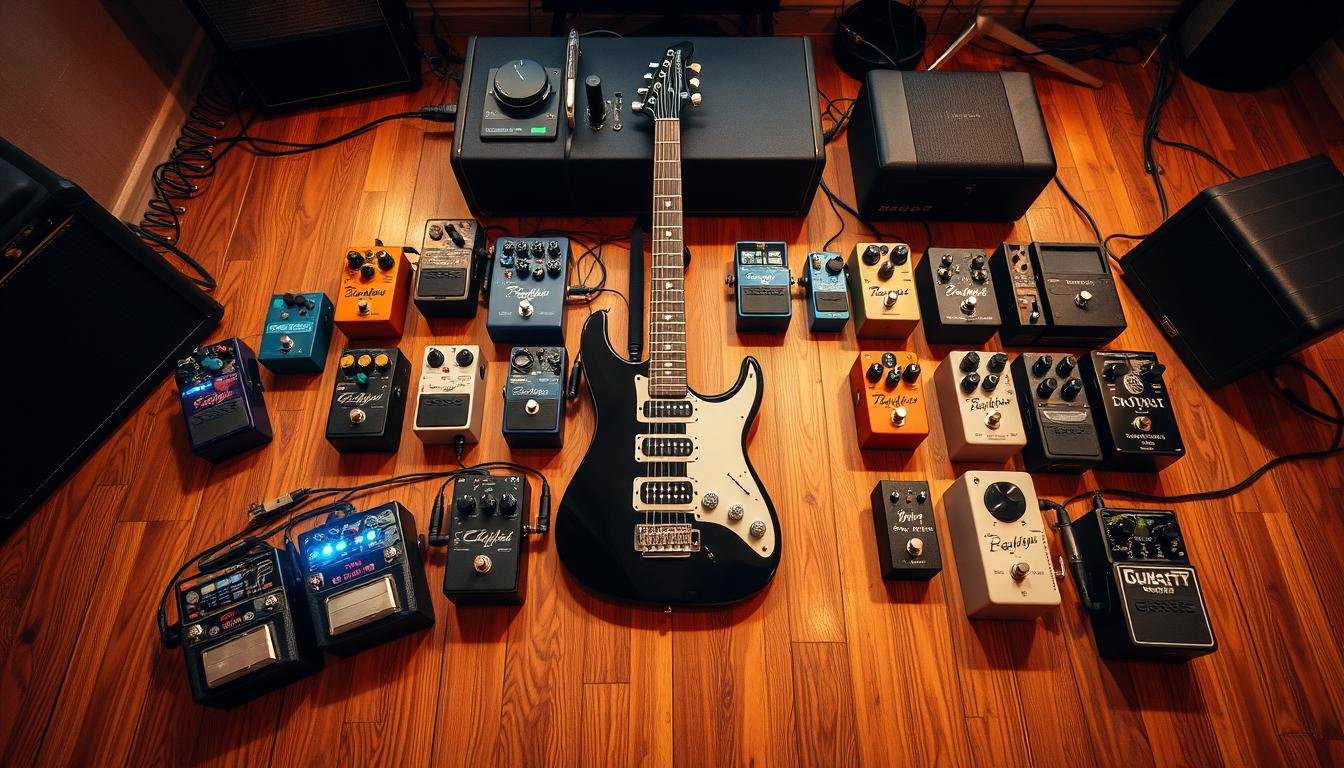
Integrating Pedalboard Effects for Creative Sound Design
The Pedalboard plugin lets you stack virtual stompboxes. You can add depth and movement to your guitar tracks with classic fuzz, chorus, or delay pedals. Using these effects before the amp simulation can make your sound more authentic.
Automate pedal parameters during a song for dynamic transitions. This is a great logic pro guitar mixing technique to keep listeners engaged. Small changes in drive or modulation can make a part feel alive.
Re-amping Techniques within the Logic Pro Environment
Recording a DI signal lets you re-amp your guitar later. If your chosen amp model doesn’t fit the mix, you can swap it out without re-recording. This flexibility lets you try different cabinets and heads until you find the perfect match.
You can also duplicate your DI track and process it through two different amps. Blending these signals gives you a massive, wide sound that works well in dense arrangements. This is key for professional-sounding productions where clarity and power matter.
Common Pitfalls and How to Avoid Them
Getting a professional sound means knowing what not to do. It’s tempting to use every plugin, but less is often more. These logic pro guitar mixing tips will help you avoid common mistakes that can ruin your sound.
Avoiding Over-Processing and Phase Issues
Adding too many plugins to one channel strip is a big mistake. It can make your sound thin and lifeless. If you’re using five compressors, you might be overdoing it.
Phase issues can sneak up on you too. When layering guitars, check for phase cancellation. It can make your sound hollow. Here’s how to keep your sound clear:
- Keep your signal chain short.
- Check the phase between guitar tracks.
- Don’t overdo it with EQ plugins.
Preventing Masking with Vocals and Keyboards
Frequency masking happens when instruments clash in the same space. Guitars often fight with vocals and keyboards in the 1kHz to 3kHz range. You need to carve out space for each.
Use a dynamic EQ to reduce guitar when the vocalist sings. This keeps the guitar strong during instrumental parts. Remember, clarity is key, not just loudness.
Knowing When to Keep the Raw Tone
Sometimes, the best thing to do is nothing. If your recording sounds good as is, don’t overdo it. Beginners often feel they need to use every tool. But trusting your ears is crucial.
If your raw tone is already great, leave it alone. Applying these logic pro guitar mixing tips means knowing when to hold back. A clean, well-recorded sound is often better than a heavily processed one.
Conclusion
Getting a professional guitar sound is all about skill and creativity. Using these logic pro guitar mixing tips can turn simple recordings into standout tracks. These tracks will grab everyone’s attention.
Creating great mixes means listening carefully to every sound. You should always think about what’s best for the song. Trusting your ears helps you decide when to tweak a sound and when to leave it as is.
Practicing regularly is key to getting better at mixing. Trying out different plugins and signal paths can open up new sounds for you. These tips are just the start of your creative journey.
As you spend more time in the software, your own style will start to show. Keep exploring new ways to produce music that fits your genre. Every time you mix, you get a chance to improve and make music that people love.
How to mix electric guitar in Logic Pro so it doesn’t sound “thin”?
To avoid a thin sound, ensure you aren’t over-filtering with your high-pass filter. While clearing mud is important, cutting too high (above 200Hz) can strip the body away. Also, check for phase issues if you are using multiple tracks for a single part.
What are the best logic pro guitar mixing tips for getting a “radio-ready” sound?
Focus on gain staging to -18dBFS, use subtractive EQ to remove harshness, and apply parallel compression to add weight and presence. Small moves in volume automation also go a long way in providing that professional, polished feel.
How can I make electric guitar sit in mix alongside a heavy synth?
Use panning to separate them physically in the stereo field. If they still clash, identify the dominant frequency of the synth and use a dynamic EQ on the guitar to dip that specific frequency whenever the synth plays.
Are there specific logic pro guitar mixing techniques for metal?
In metal, the interaction between the “chug” of the guitar and the kick drum is vital. Use a tight high-pass filter and consider a small boost around 1.5kHz to 3kHz for pick-attack clarity. Hard panning two distinct takes is also a standard for that wall-of-sound effect.
Should I use a logic pro guitar mixing tutorial for every song?
Tutorials are great for learning Logic Pro guitar mixing techniques, but remember that every song is different. Use the principles of frequency slotting and dynamic control as a guide, but always trust your ears over a template.
How do I fix “fizz” in my digital guitar recordings?
Use a low-pass filter in the Channel EQ. Start at 10kHz and sweep down until the harshness disappears—usually somewhere between 6kHz and 8kHz is the sweet spot for distorted guitars.
Why is a DI box important for logic pro electric guitar mixing?
A high-quality DI box ensures you are capturing a clean, full-frequency signal. This gives Amp Designer and other simulators the best possible “canvas” to work with, resulting in a much more realistic and mixable tone.