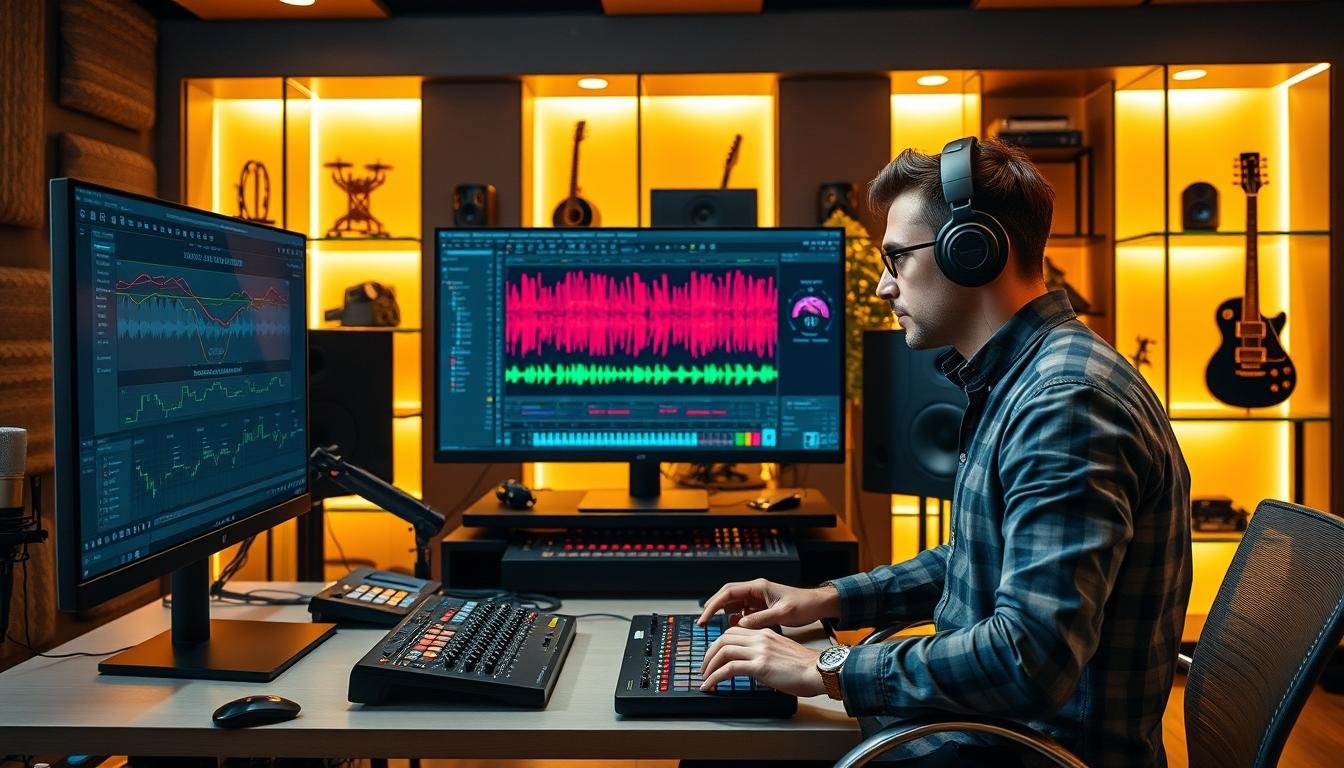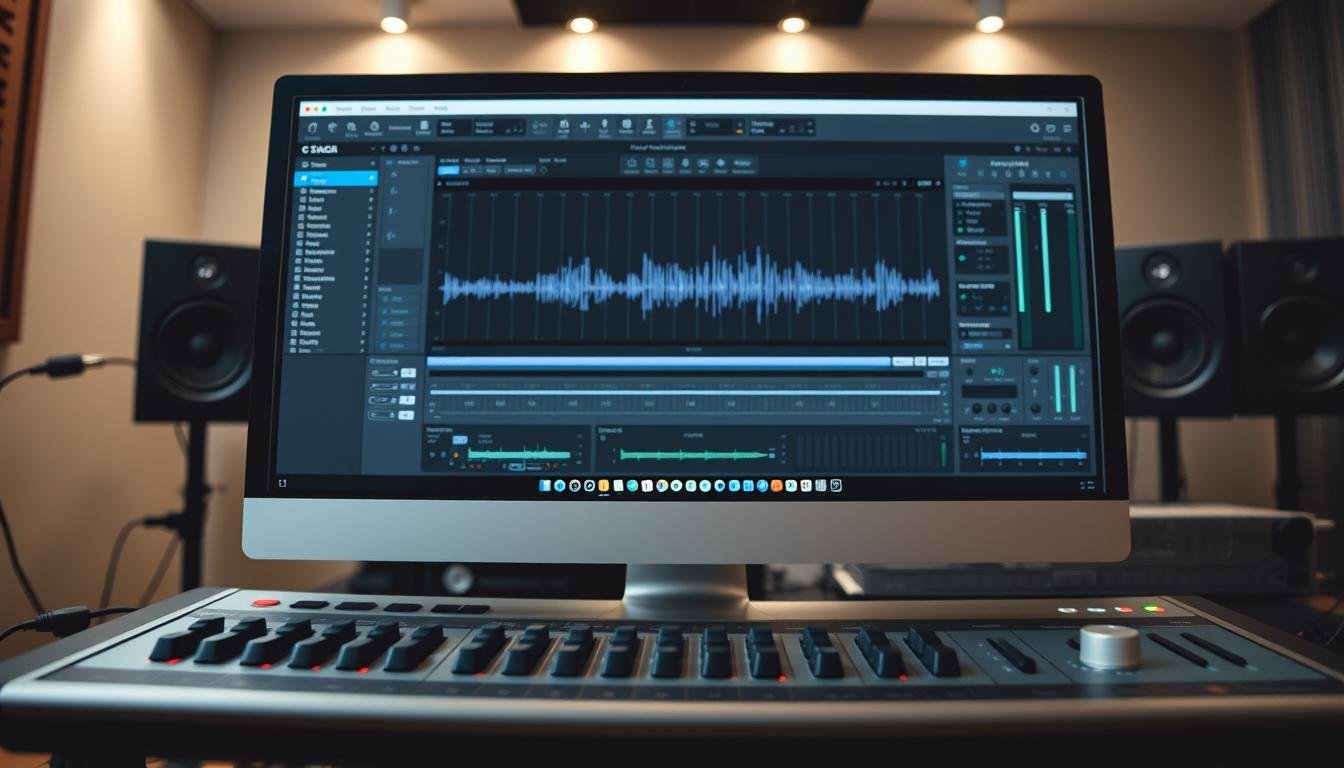

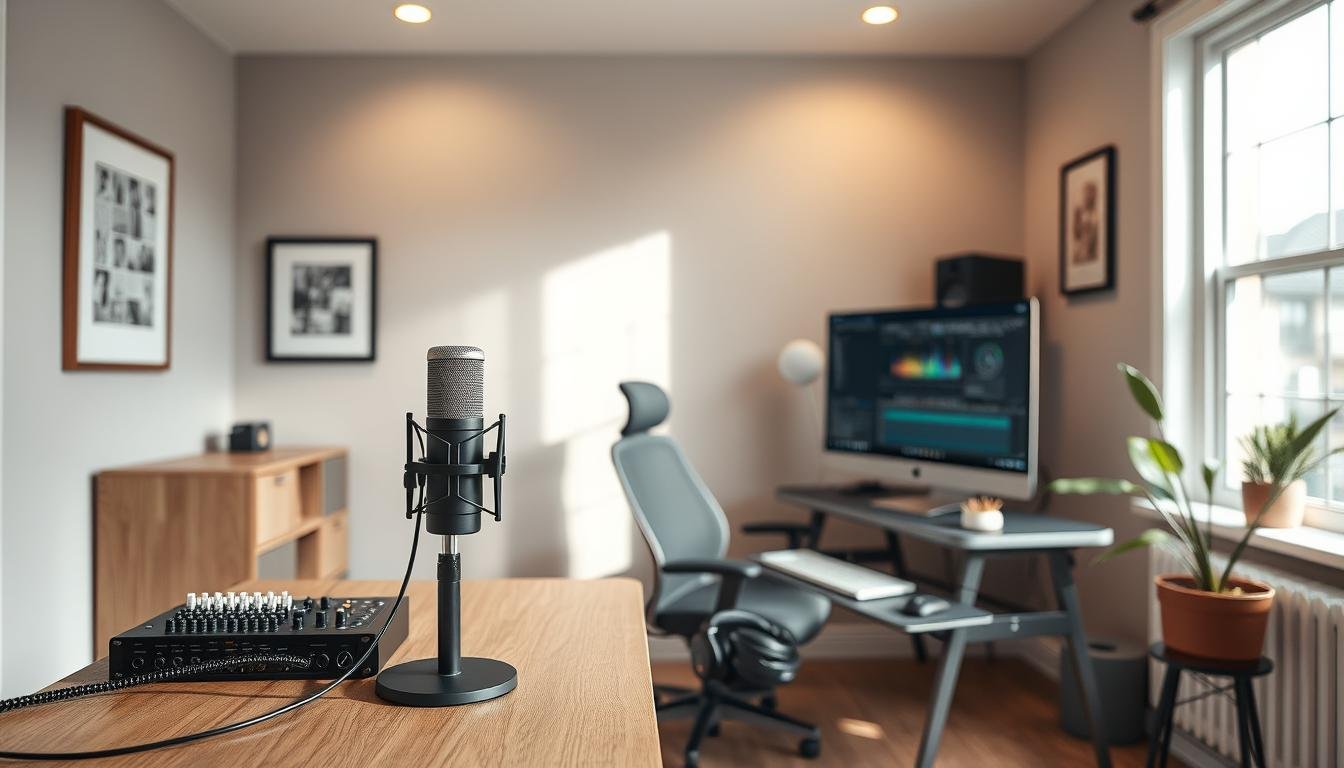
Setting up a home studio for music production might seem hard. But, with the right help, it’s actually quite simple. The main thing is to know what you need for a good studio.

To start making music, you’ll need some key studio equipment. You’ll need a good computer, an audio interface, monitor speakers, and a digital audio workstation (DAW). Knowing how each piece works is key for a smooth music production process.
By focusing on these basics, you can make a home studio setup that works for you. It will help you make great music.
Key Takeaways
- Understand the essential components of a home studio.
- Invest in critical studio equipment for music production.
- Choose a digital audio workstation (DAW) that suits your needs.
- Set up your home studio for optimal performance.
- Start producing music with confidence.
The Essentials of a Home Studio
A home studio is more than a room; it’s a place where music dreams come true. It’s where producers bring their ideas to life.
Setting up a home studio is a big step in your music journey. It lets you work on your music anytime, without renting a studio.
Why Build a Home Studio?
Having a home studio means you’re in charge of your music space. You can work at your own speed, try new sounds, and improve your skills without stress.
Music production expert Bobby Owsinski says, “The home studio is where you can take your time, be creative, and not feel rushed.” This shows how flexible and free a home studio can be.
Balancing Quality and Budget
Finding the right balance between quality and cost is key in setting up a home studio. You need to spend wisely based on what you need.
Entry-Level vs Professional Equipment
It’s important to know the difference between entry-level and professional gear. Entry-level is cheaper and good for beginners. Professional gear is better quality and lasts longer.
| Feature | Entry-Level Equipment | Professional Equipment |
|---|---|---|
| Sound Quality | Good for beginners | High fidelity and detailed |
| Durability | Moderate | Highly durable |
| Price | Affordable | Premium pricing |
For new producers, entry-level gear is a smart start. As you get better, you can upgrade to professional equipment for better sound.
Choosing the Right Space
Finding the perfect space for your home studio is key to making great music. The room you pick will change how your music sounds and your recording experience.
Room Size Considerations
The size of your studio matters a lot for sound quality. A bigger room can offer better sound, but it needs more gear and sound treatment. Think about these when picking a room size:
- Ceiling height
- Room shape
- Space for your gear and moving around
Noise Isolation Basics
Keeping your studio quiet is very important. Soundproofing your studio stops outside noise from ruining your recordings. Simple steps like sealing gaps and using sound panels can help a lot.
Creating a Productive Environment
A tidy and comfy studio boosts your creativity and work. Think about getting ergonomic furniture, good lighting, and keeping things neat. As music producer Quincy Jones once said,
“The most important thing is to be open to new ideas and not be afraid to try something different.”
Computer Requirements for Music Production
The heart of music production is the computer. Choosing the right one is key. You need to think about the operating system and hardware specs.
Mac vs PC for Music Production
The Mac vs PC debate in music production is ongoing. Macs are often preferred for their stability and Apple device integration. PCs, on the other hand, offer customization and are more budget-friendly. Your choice depends on your preference, software needs, and budget.
Minimum Specifications Needed
Whether you pick a Mac or PC, your computer must meet certain specs. This ensures it can handle music production software well.
Processor and RAM Requirements
A multi-core processor is key for handling tasks at once. A quad-core processor is usually enough. At least 8GB of RAMis needed, but 16GB or more is better for big projects.
Storage Solutions
A solid-state drive (SSD) is best for storage. It’s faster than traditional hard disk drives (HDD). This boosts performance and speeds up loading times.
Optimizing Your Computer for Audio
To get your computer ready for audio production, close unnecessary apps. Also, keep your operating system and software up to date. This keeps your computer running smoothly and securely.
Audio Interfaces: Your Studio’s Foundation
An audio interface is key for recording top-notch audio at home. It links your instruments or mics to your computer. This lets you capture and make music with clear sound.
What Is an Audio Interface?
An audio interface connects your gear to your computer. It changes the sound from your equipment into a digital signal. This way, you can record and edit audio with your favorite DAW.
Key Features to Look For
When picking an audio interface, look for these important features:
- Input/Output Options: Make sure it has enough inputs and outputs for your needs now and later.
- Preamp Quality: Good preamps are essential for clean, clear audio. Choose interfaces with well-known preamps.
Input/Output Options
The inputs and outputs you need depend on your recording needs. For example, recording a band might require many inputs for different instruments.
Preamp Quality
A top-notch preamp can greatly improve your recordings. PreSonus and Focusrite are known for their excellent preamps.
Recommended Budget Interfaces
If you’re on a tight budget, there are still great audio interfaces out there. Here are some affordable yet quality options:
- Focusrite Scarlett series
- PreSonus AudioBox series
- Native Instruments Komplete Audio 1
Setting Up Your Interface
Setting up your audio interface involves a few steps. First, connect it to your computer. Then, install any needed drivers. Lastly, set up your DAW to work with the interface. Check your interface’s manual for detailed instructions.
Microphones for Home Recording
Finding the right microphone for your home studio is crucial for top-notch recordings. There are many types, and knowing the differences is essential.
Dynamic vs. Condenser Microphones
Dynamic microphones are tough and great for live shows. Condenser microphones are more sensitive and perfect for studio work. Condenser microphones are best for capturing the sound of acoustic instruments and vocals.
USB vs. XLR Microphones
USB microphones plug right into your computer, making them easy for beginners. XLR microphones need an audio interface but offer better quality. For home recording, the Blue Yeti is popular for beginners, while the Shure SM7B is a pro favorite.
Essential Microphones for Beginners
Beginners should start with a versatile microphone. The Shure SM57 is a solid dynamic choice. The Rode NT1-A is a top condenser pick.
Microphone Accessories
Several accessories are key to getting the best from your microphone.
Stands and Shock Mounts
A strong microphone stand and a shock mount reduce vibrations and handling noise. This ensures cleaner recordings.
Pop Filters and Reflection Filters
A pop filter cuts down on plosive sounds in vocals. A reflection filter helps reduce echo and reverberation in your recordings.

| Microphone Type | Best For | Connectivity |
|---|---|---|
| Dynamic | Live performances, loud sources | XLR |
| Condenser | Studio recordings, detailed capture | XLR, USB |
Monitoring Solutions
Monitoring solutions are key to making your music sound great on any device. It’s important to monitor accurately to make good decisions while mixing and mastering.
Studio Monitors vs. Headphones
You have two main choices for monitoring: studio monitors and headphones. Studio monitors give a true sound of your mix, showing the music’s details. Headphones are good for tracking and mixing in loud places because they block out noise.
Positioning Your Monitors
It’s important to set up your studio monitors right for the best sound. Put them at ear level and form an equilateral triangle with your listening spot. This setup helps create a real soundstage.
Recommended Budget Options
If you’re on a tight budget, there are affordable monitoring options. Here are some good choices:
| Product | Price | Features |
|---|---|---|
| KRK RP5 G3 | $150 | Accurate sound reproduction, durable build |
| Yamaha HS8 | $200 | Clear sound, robust construction |
| Audio-Technica M50x | $150 | Excellent isolation, clear sound |
Understanding Monitor Specifications
When picking monitors, knowing the specs is crucial. Look at frequency response, driver size, and amplifier power. A flat frequency response is key for mixing well.
Choose monitors with a frequency range of 20Hz to 20kHz. A bigger driver size can mean better sound, but it’s not always needed.
Home Studio Setup: Everything You Need to Start Producing Music
A well-designed home studio is key to a successful music production journey. It’s not just about the right equipment. It’s also about creating a space that boosts creativity and productivity.
Essential Equipment Checklist
Before you start producing music, gather the essential equipment. This includes:
- A reliable computer or laptop
- An audio interface
- A good quality microphone
- Monitoring equipment (speakers or headphones)
- A digital audio workstation (DAW)
As “The right tools can make all the difference in the quality of your productions,” a renowned music producer says. Quality equipment is an investment that pays off.

Setting Up Your Workspace Ergonomically
An ergonomic workspace is vital for long production sessions. Make sure your chair, desk, and equipment are set up for comfort and to avoid strain. As the saying goes, “A comfortable producer is a productive producer.”
Cable Management and Organization
Good cable management is essential for a clutter-free and efficient workspace. Use cable ties, organizers, or labels to keep your cables organized. This not only looks professional but also helps in troubleshooting and maintaining your equipment.
Creating an Inspiring Creative Space
Your home studio should be a place where creativity thrives. Decorate your space with inspiring elements like artwork, motivational quotes, or personal mementos. As a famous musician once said,
“Surround yourself with things that inspire you, and the creativity will follow.”
Make your studio a reflection of your personality and style.
By focusing on these aspects, you’ll create a home studio that is both functional and inspiring.
Digital Audio Workstations (DAWs)
Digital Audio Workstations (DAWs) are key in modern music making. They offer tools and features for all levels. Choosing the right DAW is important for making great music.
Popular DAW Options
There are many DAWs out there, each with its own features. Ableton Live is great for live shows, FL Studio is perfect for beat-making, and Logic Pro has top-notch production tools.
Free vs. Paid Software
DAWs come in free and paid versions. Free ones like Reaper and Audacity are budget-friendly. Paid ones like Ableton Live and Pro Tools have more features. Your choice depends on your budget and needs.
| DAW | Price | Platform |
|---|---|---|
| Ableton Live | $99 – $749 | Mac, Windows |
| FL Studio | $99 – $299 | Mac, Windows |
| Logic Pro | $199.99 | Mac |
Choosing the Right DAW for Your Style
Finding a DAW that matches your style is crucial. Think about the interface, plugins, and hardware compatibility. For electronic music, Ableton Live or FL Studio might be best.
Essential Plugins for Beginners
Plugins add functionality to your DAW. Beginners should start with the basics.
Virtual Instruments
Virtual instruments let you create sounds without hardware. Serum and Massive are great for synthesizers.
Effects Processors
Effects processors enhance your audio. They include reverb, delay, and compression. FabFilter Pro-C2 and Valhalla Room are top choices.
Music production expert Bobby Owsinski says, “The right plugins can greatly improve your productions. Learning to use them well is worth the time.”
“Plugins are where the magic happens in music production. They can turn a good track into a great one.”
Acoustic Treatment on a Budget
Good sound starts with good acoustics. Treating your home studio doesn’t have to cost a lot. Acoustic treatment is key for high-quality sound in your recordings and mixes.
Understanding Room Acoustics
Room acoustics is how sound acts in your studio. It’s influenced by the room’s size, shape, and materials. Knowing these factors helps with effective acoustic treatment.
Common Acoustic Problems
Common issues include echo, reverberation, and sound reflections. These can make your recordings sound bad. Spotting these problems is the first step to fixing them.
- Echo and reverberation can make your studio sound like a cavern.
- Sound reflections can cause phase issues and distort your sound.
DIY Acoustic Panels
Making your own acoustic panels is a cheap way to improve your studio’s acoustics. Here’s a simple guide:
- Choose a frame material (e.g., wood).
- Select an absorption material (e.g., Owens Corning 703).
- Cover with a breathable fabric.
Strategic Placement of Treatment
Where you place your acoustic treatment matters a lot. Focus on areas where sound reflections are most, like between your monitors and on walls opposite your workstation.
“The right placement of acoustic panels can significantly improve the sound quality in your studio.” – Audio Engineer
Bass Traps and Diffusers
Bass traps absorb low-frequency energy, reducing boominess. Diffusers scatter sound, minimizing reflections. Both are vital for a well-treated studio.
By tackling the acoustic challenges in your home studio, you can greatly improve your recordings and mixes. And you won’t have to spend a lot.
Essential Accessories and Extras
To set up your home studio, you’ll need some key accessories. These extras can boost your music-making experience. They help improve your workflow, sound quality, and productivity.
MIDI Controllers and Keyboards
A MIDI controller or keyboard is crucial for music production. It lets you create and control virtual instruments. Popular choices include the Akai MPK Mini and the Novation Launchkey.
Cables, Stands, and Pop Filters
The right cables, stands, and pop filters can greatly enhance your recording quality. Get good-quality XLR cables, strong microphone stands, and effective pop filters. They help reduce plosive sounds.
Power Conditioning
Power conditioning is key for a stable and clean power supply. Consider a power conditioner to protect your gear from voltage spikes and electrical noise.
Backup Solutions
Don’t overlook the need for backup solutions. Regularly back up your project files to an external hard drive or cloud storage. This saves you from data loss and project downtime.
Adding these essential accessories to your home studio can improve your music production. It makes your work environment more efficient and enjoyable.
Setting Up Your First Recording Session
Getting ready for your first recording session? Knowing about DAW setup, level settings, and recording tips is key.
Configuring Your DAW
First, set up your Digital Audio Workstation (DAW) for success. This means adjusting audio settings, setting up MIDI devices, and organizing your files.
Key configurations include:
- Setting the audio interface and sample rate
- Configuring MIDI ports and devices
- Creating a project template for future sessions
Setting Proper Levels
It’s vital to set recording levels right to avoid distortion and get quality recordings. Learn how to adjust gain levels on your audio interface and in your DAW.
Best practices for setting levels include:
- Adjusting gain to optimal levels without causing distortion
- Using metering tools within your DAW to monitor levels
- Leaving headroom for unexpected loud signals
Recording Best Practices
Following top recording practices can greatly improve your tracks. Keep your recording area quiet, use the right mic techniques, and check your recordings.
Troubleshooting Common Issues
Even with the best setup, problems can still happen. Knowing how to fix common issues like latency and audio dropouts is crucial.
Latency Problems
Latency can cause delays in recording and playback. Adjusting buffer sizes and improving your computer’s performance can help reduce latency.
Audio Dropouts
Audio dropouts happen when your system can’t handle audio processing. This might be due to high CPU use, not enough RAM, or a slow hard drive. Improve your DAW settings and consider upgrading your hardware to avoid dropouts.
| Issue | Cause | Solution |
|---|---|---|
| Latency | High buffer size, system performance | Adjust buffer size, optimize system performance |
| Audio Dropouts | High CPU load, insufficient RAM, slow hard drive | Optimize DAW settings, upgrade hardware |
Conclusion: Your Journey Into Music Production
Starting your music production journey needs careful planning and the right tools. Setting up a home studio is your first step to making great music. It’s important to find a balance between quality and cost, so your studio has what it needs without spending too much.
A well-thought-out home studio is key to success in music production. You need to pick the right space, computer, audio interface, microphones, and monitoring tools. Knowing how each part works together helps you create a space that boosts your creativity.
Now that you’ve finished this guide, you’re ready to start making music. Remember, becoming a skilled music producer takes time and effort. Keep being inspired, try new things, and always work on improving your skills to reach your music production dreams.
FAQ
What is the most essential equipment for a home studio?
Key items for a home studio are a computer, a digital audio workstation (DAW), and an audio interface. You’ll also need studio monitors or headphones and a microphone.
How do I choose the right DAW for music production?
Pick a DAW based on your music style, project types, and budget. Ableton Live, Logic Pro, and FL Studio are popular choices.
What is the difference between dynamic and condenser microphones?
Dynamic microphones are tough and good for loud sounds. Condenser microphones are sensitive and capture detailed sounds.
How do I set up my home studio for optimal acoustics?
Improve your studio’s sound with DIY acoustic panels, bass traps, and diffusers. Place them wisely in your studio.
What are the minimum computer specifications needed for music production?
For music production, you need a multi-core processor, at least 8GB of RAM, and a compatible operating system.
How do I troubleshoot latency issues during recording?
Fix latency by adjusting your audio interface’s buffer size and using the latest drivers. You might also need to upgrade your computer’s RAM or processor.
What is the importance of monitoring solutions in a home studio?
Good monitoring solutions, like studio monitors and headphones, are key for accurate sound playback and mixing.
Can I start music production with a budget-friendly setup?
Yes, you can start with affordable gear like entry-level audio interfaces and microphones. Optimize your computer for music production too.
How do I manage cables and organization in my home studio?
Use cable ties, label cables, and get a cable management system. This keeps your studio tidy and efficient.
What are the benefits of using a MIDI controller in music production?
MIDI controllers help control virtual instruments and effects. They make your music production workflow smoother and boost creativity.