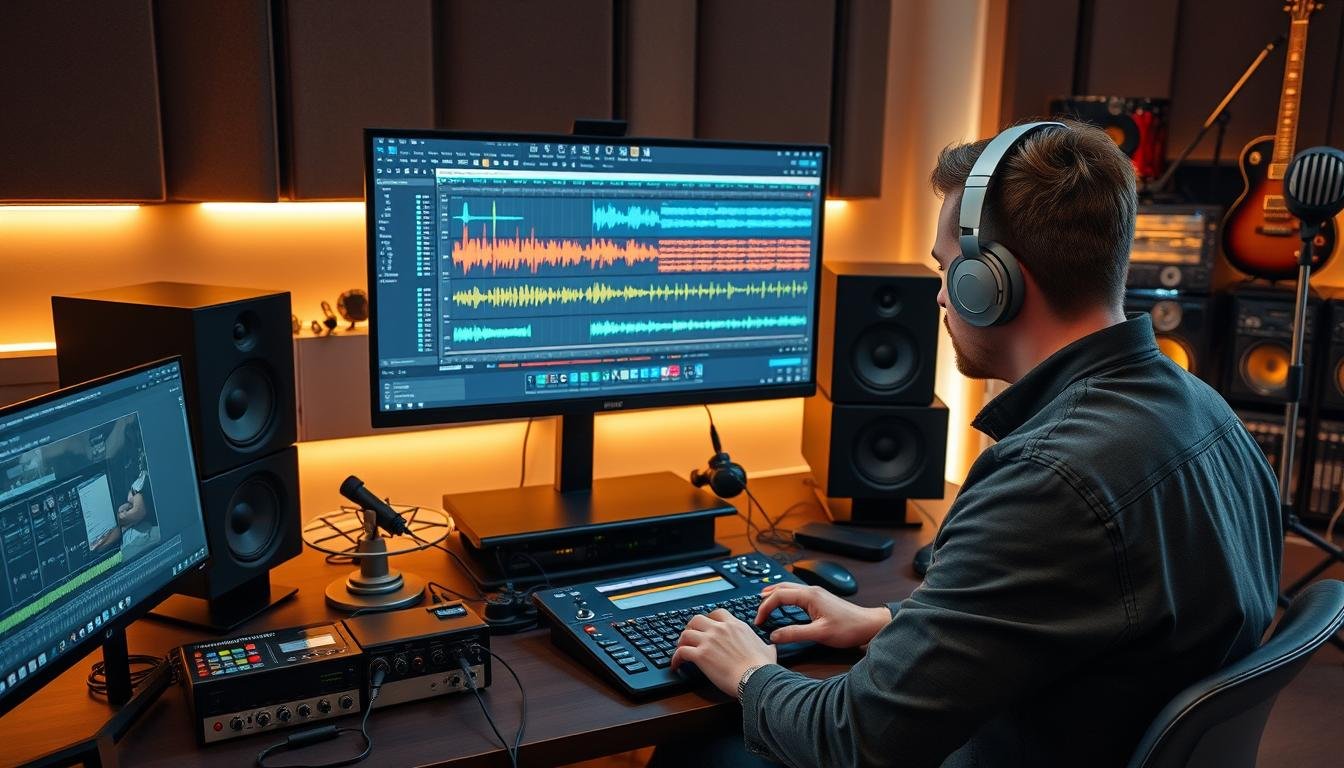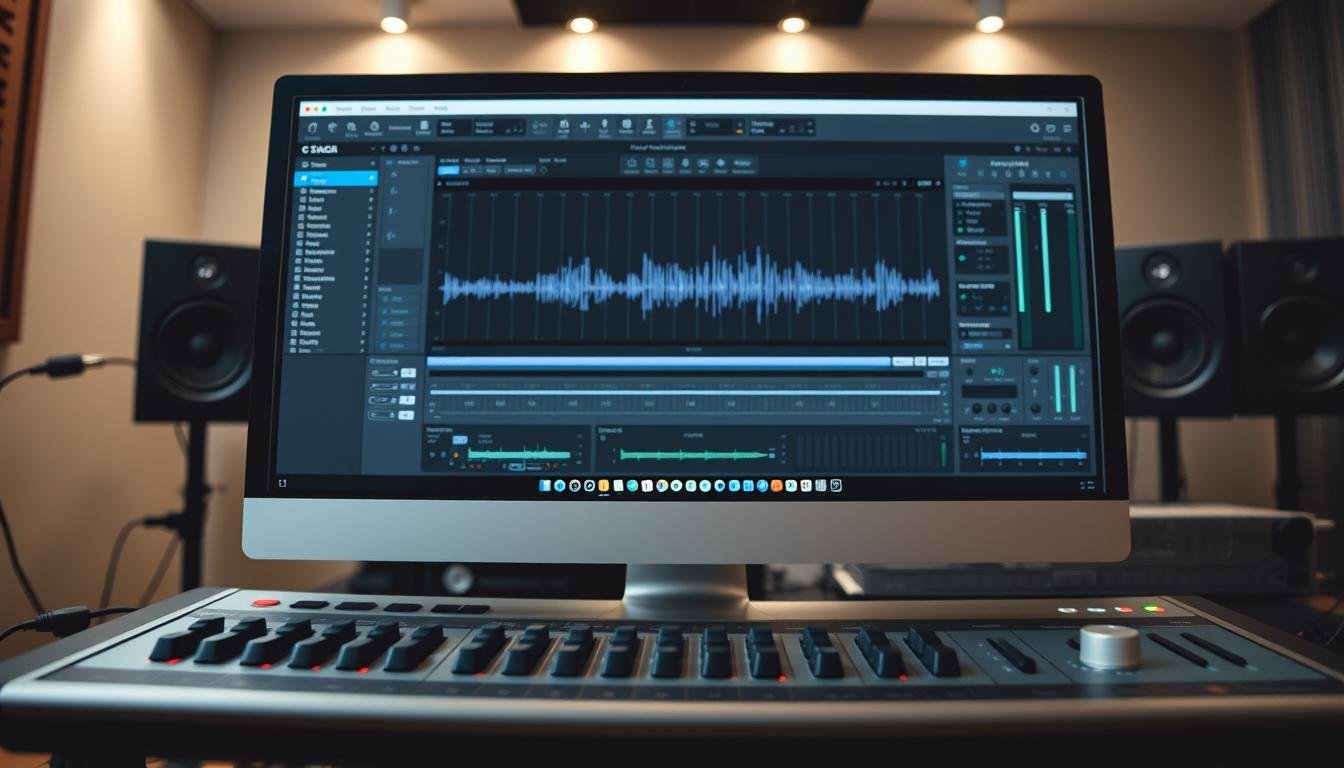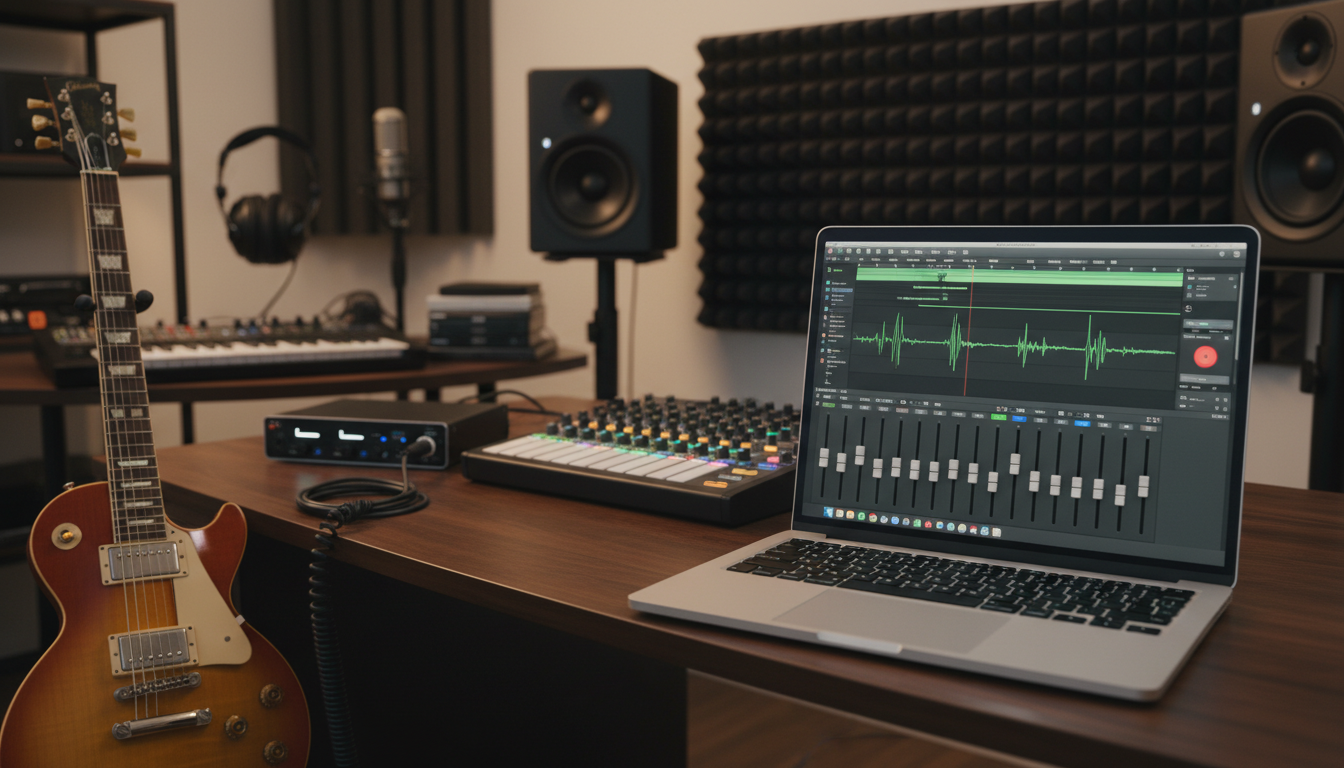

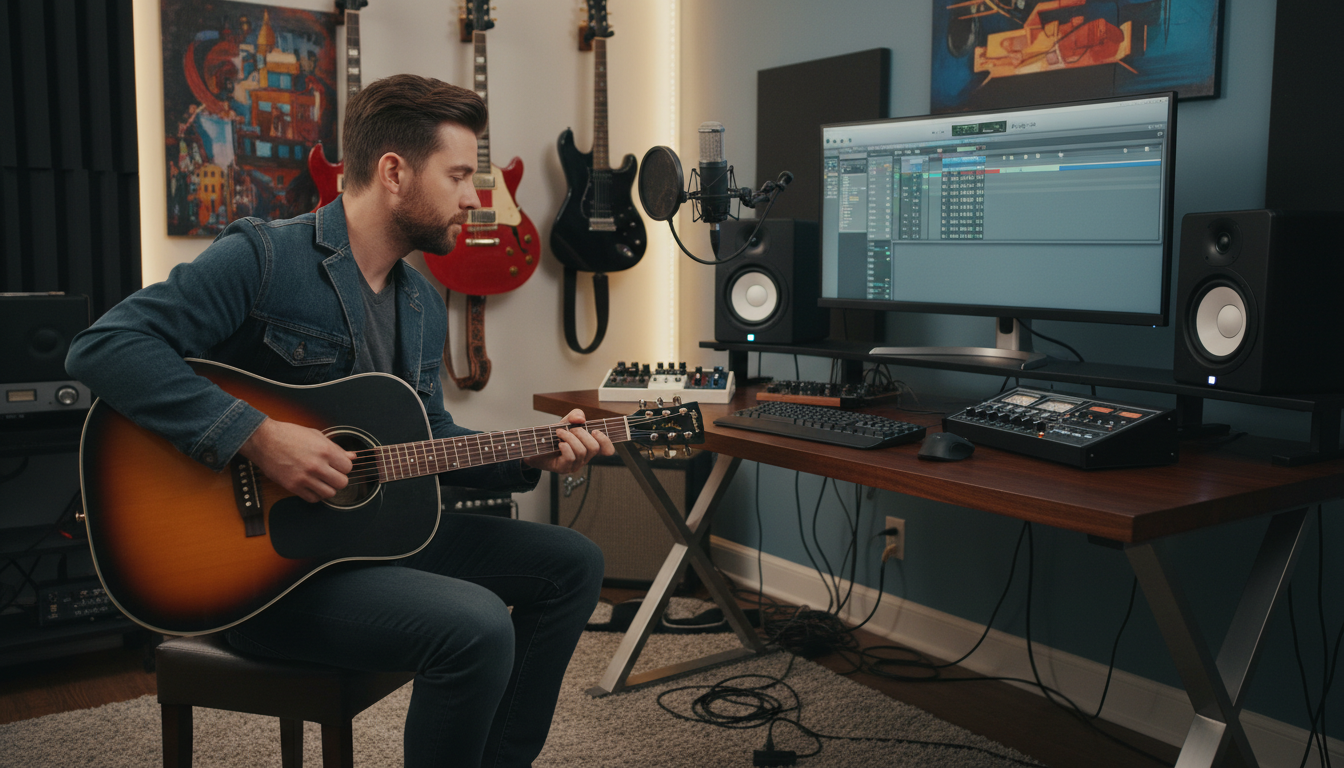
Every guitarist starting with home music production needs a solid home studio setup. You don’t need a big studio to make music anymore. With just a laptop, you can start home music production for guitarists. It’s easy to turn your ideas into full songs.
🎸 Struggling with muddy guitar tone?
Learn how to fix it fast in Logic Pro.
This logic beginner guide shows why Logic is a great DAW. Its layout is clean and easy to use. Musicians of all levels truly love it.
Starting music production for beginners is simple with these steps. We’ll cover setting up a session and finding sounds. Get ready to share your art from your room.
Key Takeaways
- Understand the basic gear needed to start.
- Learn how to move through the workspace.
- Discover ways to capture clean sounds.
- Explore the built-in amps and creative effects.
- Master the steps to finish a track.
- Gain confidence using these digital tools.
Why Every Guitarist Should Learn Home Music Production
Learning home music production opens up a world of creativity for guitarists. It lets you control your music from start to finish. Home music production for guitarists is more than just recording. It’s about making a complete song.
“The ability to produce music at home has changed how artists work,” says a famous music producer.
“It’s given them the freedom to experiment and be more creative without the pressure of studio time constraints.”
The Creative Freedom of Recording at Home
Recording at home lets guitarists work at their own speed. They can try out new sounds and techniques without studio time limits. This freedom boosts creativity and lets them explore new musical ideas.
How Much Money You’ll Save Compared to Studio Time
Home music production saves a lot of money. Studio time is pricey, and going often can cost a lot. By making music at home, guitarists save money that can go to new gear or lessons.
Building Your Skills as a Complete Musician
Learning home music production boosts a guitarist’s skills. It covers recording techniques, audio engineering, and using software like Logic Pro. This knowledge makes a guitarist better at creating music in many ways.
By getting into home music production, guitarists grow creatively and become more independent in their music. This path can lead to making professional-sounding tracks and a more rewarding musical journey.
Essential Gear for Your Home Guitar Recording Setup
A well-equipped home studio is key for top-notch guitar recordings. You’ll need to invest in a few essential pieces of equipment to get started.
Mac Computer Requirements for Logic Pro X
You’ll need a reliable Mac computer to run Logic Pro X. Apple suggests a MacBook Air or Mac Mini with a dual-core processor, 4GB of RAM, and a 256GB SSD. For bigger projects, consider a more powerful MacBook Pro or iMac with an i7 processor and 8GB or more of RAM.
Choosing the Right Audio Interface: Focusrite Scarlett 2i2 and Alternatives
An audio interface is crucial, connecting your guitar to your computer. The Focusrite Scarlett 2i2 is a favorite among musicians for its quality sound and ease of use. But, you might also want to look at the PreSonus AudioBox iTwo and Native Instruments Komplete Audio 1.
- Focusrite Scarlett 2i2: Known for its clear, detailed sound and durable construction.
- PreSonus AudioBox iTwo: Offers a similar feature set to the Scarlett 2i2 at a competitive price.
- Native Instruments Komplete Audio 1: A more advanced interface with a comprehensive feature set.

Studio Monitors: KRK Rokit 5 vs. Yamaha HS5
Accurate monitoring is vital for producing great recordings. The KRK Rokit 5 and Yamaha HS5 are two top choices. The KRK Rokit 5 has a bright, punchy sound, while the Yamaha HS5 offers a more neutral response.
“Accurate monitoring allows you to make informed decisions about your mix, ensuring your guitar recordings sound great on any playback system.”
— Producer’s tip
Budget-Friendly Microphones: Shure SM57 for Amp Recording
For recording guitar amps, a dynamic microphone like the Shure SM57 is a great pick. It’s durable, affordable, and captures a wide range of tones. The SM57 is perfect for recording loud guitar amps due to its ability to handle high sound pressure levels.
Setting Up Logic Pro X for Guitar Recording
Logic Pro X is a great tool for guitarists wanting to record music at home. It has lots of features and is easy to use. It’s perfect for musicians who want to improve their music production skills.
Installing Logic Pro and Essential Sound Libraries
The first thing to do is install Logic Pro X and get the essential sound libraries. These libraries are key for getting great sounds. They include many instruments and effects for your recordings.
To install Logic Pro X, go to the Mac App Store. Search for Logic Pro and follow the prompts. Then, check out the library section to download more sound packs for your guitar recordings.
Navigating the Main Window and Track Area
After installing, get to know the Logic Pro X interface. The main window has different sections. The track area is where you work on your guitar recordings.
In the track area, you can make and manage tracks. You can add new tracks, change their settings, and organize them as needed for your project.
Configuring Audio Preferences and Buffer Size
Setting up your audio preferences is important for good recordings. Go to Preferences, then Audio.
In the Audio Preferences window, you’ll see settings for your audio interface and buffer size. A smaller buffer size means less delay but might use more CPU. Finding the right balance is crucial for a smooth recording.
| Buffer Size | Latency | CPU Load |
|---|---|---|
| 128 | Low | High |
| 256 | Medium | Medium |
| 512 | High | Low |
Creating a Custom Guitar Recording Template
Making a custom template can make recording easier. Set up a new project with the tracks, effects, and settings you like. Then, save it as a template.
This template can have guitar tracks with your favorite effects ready to go. It makes starting new projects quicker and lets you focus on your music.
By following these steps, you’ll be ready to use Logic Pro X for guitar recording. You can make high-quality music from your home studio.
Connecting and Configuring Your Guitar in Logic
The next step is learning how to record electric guitar at home properly. Connecting your guitar to Logic Pro is easy once you know the basics. You need to understand audio interfaces and gain staging for top-notch recordings. Knowing how to set up your guitar is key for the best sound.
Plugging Your Guitar into the Audio Interface
The first step is to plug your guitar into your audio interface. Most interfaces, like the Focusrite Scarlett 2i2, have special inputs for guitars. Use a good instrument cable for a strong connection.

Setting Proper Input Gain Levels
Getting the right gain levels is important for a clear signal. Start by setting your audio interface gain to a middle level. Then, adjust the input gain in Logic Pro to get the best signal. Aim for -18 dB to -12 dB to avoid distortion.
Enabling Input Monitoring Without Latency
To monitor your guitar without delay, enable input monitoring in Logic Pro. This lets you hear your guitar as you play, without any processing delay. To do this, go to Preferences, then Audio, and check Software Monitoring.
Choosing Between DI Recording and Mic’d Amps
When recording your guitar, you can choose between DI recording and mic’d amps. DI recording goes straight from your guitar to the interface. Mic’d amps use a mic to capture your amp’s sound. Each method has its own benefits. Try both to see what works best for your music.
Recording Your First Guitar Performance
Now that you’ve set up Logic Pro X and configured your guitar, it’s time to record your first performance. This is an exciting step in your home music production journey. Logic Pro X makes the process smooth and enjoyable.
Getting started with recording involves a few key steps. First, you’ll need to create a new audio track. This is where you’ll capture your guitar performance.
Creating and Arming an Audio Track
To create a new audio track, navigate to the Track menu and select New, or use the keyboard shortcut Command + Option + N. Choose Audio and click Create. Once your track is created, you’ll need to arm it for recording by clicking the R button on the track header.
If your guitar recordings still sound amateur…
you’re probably missing a few key steps.
Setting Your Tempo and Enabling the Click Track
Before you start recording, it’s essential to set your tempo and enable the click track if you’re using one. The tempo is set in the Transport panel, and you can enable the click track by clicking on the Click button in the control bar. A steady tempo helps you stay on beat.
Recording Multiple Takes Using Cycle Recording
Logic Pro X allows you to record multiple takes using Cycle Recording. To enable this feature, click on the Cyclebutton in the control bar and set the cycle region to the desired length. You can then record multiple passes, and Logic Pro X will capture each take separately.
“The art of recording is not just about capturing a performance; it’s about creating a moment that can be relived.”
Unknown
Using Quick Swipe Comping to Build the Perfect Take
After recording multiple takes, you can use Quick Swipe Comping to build the perfect performance. This feature allows you to select the best parts of each take and create a composite take. To use Quick Swipe Comping, simply swipe across the takes you want to use in the Take folder.
By following these steps and utilizing Logic Pro X’s powerful features, you can achieve a high-quality guitar recording that sounds professional. As you continue to work on your home music production skills, you’ll find that “practice makes perfect”. With Logic Pro X, you’re well-equipped to capture your best performances.
Crafting Professional Guitar Tones with Logic’s Plugins
Logic Pro’s plugins let guitarists create top-notch tones at home. It has many tools to shape your sound for any music style.
Getting Started with Amp Designer
Amp Designer lets you model your tone with various amp simulations. Just add it to your guitar track and explore the amp models. Adjust gain, tone, and cabinet settings to get the perfect sound.
Key Features of Amp Designer:
- Multiple amp models to choose from
- Adjustable gain and tone controls
- Cabinet simulation for a more authentic sound
Using Pedalboard for Classic Stompbox Effects
Pedalboard is key for guitarists, offering many stompbox effects. It has overdrive, distortion, delay, and reverb. You can link pedals for complex effects.
Tips for Using Pedalboard:
- Experiment with different pedal orders to find the perfect sound
- Use the pedalboard’s routing options to create complex signal paths
Downloading Third-Party Amp Sims: Neural DSP and IK Multimedia
You can also get third-party amp sims like Neural DSP and IK Multimedia. They offer top-notch amp simulations and effects. Use them in Logic Pro to boost your guitar tone.
Benefits of Third-Party Amp Sims:
- Access to a wider range of amp models and effects
- High-quality sound that rivals professional studios
Saving Your Favorite Tone Presets
Save your perfect tone as a preset for later use. This makes it easy to recall and tweak your favorite sounds. It’s great for working on multiple tracks or with other musicians.
Logic Pro’s plugins and third-party amp sims help you get pro-sounding guitar tones. They’re great for both new and experienced guitarists, offering endless creative options.
Building Full Arrangements Beyond Just Guitar
As a guitarist, you can take your music production to the next level. You can create full arrangements that go beyond just playing guitar. Logic Pro has tools and features to help you, like Drummer, MIDI sequencing, and software instruments.
Creating Realistic Drum Tracks with Drummer
Drummer is a powerful plugin in Logic Pro. It lets you create realistic drum tracks easily. To start, add a Drummer track to your project and pick from different drumming styles and kits.
Key Features of Drummer:
- Variety of drumming styles and kits
- Customizable drum patterns
- Ability to adjust intensity and complexity
Programming Bass Lines Using MIDI and Software Instruments
Programming a bass line can add depth to your arrangement. Logic Pro’s MIDI sequencing makes it easy to create and edit bass lines with software instruments.
Tips for Programming Bass Lines:
- Start with a simple pattern and build complexity
- Experiment with different software instruments
- Pay attention to the bass line’s relationship with the drum track
Adding Keyboards with Logic’s Vintage Electric Piano
Adding keyboards can enhance your arrangement and add texture. Logic Pro’s Vintage Electric Piano is a great instrument to start with.
Using Vintage Electric Piano:
- Choose from various models and settings
- Adjust parameters to fit your song’s style
- Experiment with layering keyboard sounds
Structuring Verses, Choruses, and Bridges
Structuring your song is crucial for a compelling arrangement. A typical song structure includes verses, choruses, and bridges.
| Section | Purpose | Typical Characteristics |
|---|---|---|
| Verse | Tell the story or convey the message | Often has a simpler arrangement |
| Chorus | Highlight the main hook or theme | Typically has a fuller arrangement |
| Bridge | Add contrast and add depth | Often features a different melody or rhythm |
By using these features and techniques in Logic Pro, you can create full arrangements. These arrangements showcase your music production skills.
Home Music Production for Guitarists: Record Pro Songs in Logic (Beginner Guide) to Mixing
As you move from recording to mixing in Logic Pro, you’ll discover new ways to enhance your music. Mixing is key in music production. It blends your tracks into a unified and strong sound. Logic Pro gives you the tools to mix like a pro.
Balancing Your Guitar Against Other Instruments
It’s important to balance your guitar with other instruments for a clear mix. Start by setting your guitar track to a good listening level. Then, add other tracks, adjusting their levels to match your guitar.
For example, when mixing electric and acoustic guitars, adjust levels so the electric doesn’t drown out the acoustic. Use the gain plugin to fine-tune these levels.
Panning Multiple Guitar Tracks for Width
Panning guitar tracks adds depth and width to your mix. Place different guitar parts in different stereo positions for a richer sound. For instance, pan a rhythm guitar to one side and a lead to the other.
Logic Pro’s panning controls let you place tracks exactly where you want. Try different panning to find the best mix for your song.
Cutting Mud with Channel EQ
The Channel EQ in Logic Pro helps clear up your mix by reducing low-end buildup. Apply a high-pass filter to non-bass tracks and adjust low-end on guitar tracks for a cleaner sound.
For guitar, boost or cut specific frequencies to get the right tone. The Channel EQ shows your track’s frequency spectrum, making it easier to fix issues.
Controlling Dynamics with the Compressor Plugin
The Compressor plugin in Logic Pro controls your guitar tracks’ dynamics. It reduces loud signals and boosts quiet ones, evening out the sound and sustaining notes.
To use compression well, start with a moderate ratio and adjust the threshold. Be careful not to over-compress, as it can sound unnatural.
Basic Mastering to Finish Your Song
Mastering is the last step before you share your music. Logic Pro has the tools you need for this. It makes sure your music sounds good on any system, like the radio or streaming sites.
What Mastering Actually Does
Many think mastering fixes all mix problems. But, it mainly makes your music sound great on different systems. It tweaks EQ, compression, and limiting for the best sound.
“Mastering is not about making your mix sound better, it’s about making it sound great on any playback system.” This shows mastering’s key role in music production.
Using the Adaptive Limiter on Your Master Track
The Adaptive Limiter in Logic Pro controls your master track’s loudness. It stops distortion by limiting the signal when it gets too loud. Start by setting the threshold and ceiling to your liking.
Comparing Your Mix to Professional Recordings
Comparing your mix to professional recordings is key in mastering. It helps you see how loud and balanced your track is. Use reference tracks to guide your mastering choices.
- Choose reference tracks that match your music’s genre and style.
- Compare your track’s loudness and EQ to the reference tracks.
- Adjust your master based on these comparisons.
Bouncing Your Final Mix as WAV and MP3
When you’re happy with your master, it’s time to export it. Logic Pro lets you save your track in WAV and MP3 formats. WAV is best for high-quality distribution, while MP3 is good for streaming.
To export, go to ‘File’ > ‘Export’ and pick your format. Make sure you choose the right settings for your use, like sample rate and bit depth for WAV.
By mastering your music in Logic Pro, you make sure it’s ready for sharing. It will sound great on any system.
Avoiding These Common Home Recording Mistakes
Getting professional-sounding recordings at home means avoiding a few common mistakes. Home music production for guitarists can be very rewarding. But, it’s easy to fall into bad habits that hurt your sound. Knowing these common pitfalls helps ensure your recordings sound great.
Recording Too Hot and Causing Distortion
One big mistake is recording too loudly, causing distortion. When your signal is too high, it clips and becomes bad. To avoid this, keep your input levels around -18 dB to -12 dB. This keeps your signal strong without distortion.
Tip: Use the gain staging technique to set your levels right. Start with a good input level on your audio interface, and adjust plugin gains as needed.
Using Too Many Plugins and Slowing Your Computer
Plugins can make your sound better, but too many slow down your computer. Be careful with your plugin use. Consider freezing tracks or using plugin suites that are fast.
For example: If you’re using many amp simulators, use them only on key tracks. Use lighter alternatives for less important parts.
Ignoring Room Treatment and Acoustic Problems
The sound of your recording space is very important. Ignoring room treatment can cause bad reflections and resonances. Think about getting basic acoustic treatment like absorption panels to improve your room’s sound.
| Room Treatment Option | Effectiveness | Cost |
|---|---|---|
| DIY Absorption Panels | Moderate | $50-$100 |
| Professional Acoustic Panels | High | $100-$500 |
| Diffusion Panels | High | $200-$1000 |
Mixing Too Loud and Losing Perspective
Mixing too loudly can hurt your ears and lead to bad mixing. It’s key to mix at moderate levels and take breaks. This keeps your ears fresh and helps you mix well.
By watching out for these common mistakes, you can greatly improve your recordings. Focus on setting the right levels, using plugins smartly, treating your room, and mixing at comfortable volumes. This way, you’ll get professional-sounding results.
Stop guessing your guitar tone.
Use the exact checklist to get clean, pro results in Logic.
Conclusion
Now you’re ready to start your home music production journey with Logic Pro. As a guitarist, you’ve learned how to set up your home recording studio. You also know how to configure Logic Pro for guitar recording.
You’ve learned to produce professional-sounding tracks using various plugins and techniques. Home music production for guitarists has never been more accessible. By following this guide, you’ve taken the first step towards creating high-quality music from your own home.
Music production for beginners can seem daunting, but with practice and patience, you’ll be creating pro-sounding songs in no time. Remember to experiment with different techniques. Don’t be afraid to try new things.
With Logic Pro and your guitar, the possibilities are endless. Start producing music today and unlock your full creative potential.
How can I start home music production for guitarists if I have no experience?
The best way to start is by getting a Mac and following a comprehensive logic beginner guide. Focus on learning how to set up your home recording studio setup first, then move on to basic guitar recording techniques like gain staging and using the metronome.
What is the most important of all music production tips for beginners?
The most vital tip is to “get it right at the source.” No amount of music production for guitarists magic can fix a poorly tuned guitar or a track recorded with too much input gain. Focus on a clean, great-sounding performance first.
Where can I find good logic pro tutorials specific to guitar?
Aside from this guide, platforms like YouTube offer great logic pro tutorials from creators who focus on guitarists music production. Look for channels that demonstrate guitar recording techniques using Logic’s built-in Amp Designer.
Why is music production for beginners[axis_flip] often focused on Logic Pro?
Logic Pro is highly favored because it offers an incredible “all-in-one” value. It includes professional-grade amp sims, drums, and mixing tools that allow guitarists to record pro songs without immediately needing to buy expensive third-party software.
Do I need a professional studio to record pro songs?
Absolutely not. With a solid home recording studio setup—including a decent interface like a Focusrite Scarlett and a good set of monitors—you can produce radio-ready tracks. Many modern hits are recorded in home environments using the same guitar recording techniques covered here.