
Creating professional-sounding guitar recordings needs the right tools. Guitar World says the best guitar plugins can really improve your sound. In today’s digital studio, having the right software is key for top-notch sound.
Amp simulators, effects plugins, and mixing plugins are must-haves. They help you get a variety of tones and styles. From clean sounds to heavy riffs, these plugins have you covered.
Key Takeaways
- Discover the top plugins for guitar recording
- Learn how to enhance your recorded tones
- Explore the best amp simulators and effects plugins
- Understand the importance of mixing plugins in guitar recording
- Get insights into the best software for your digital studio
Understanding Guitar Recording Plugins and Effects
The digital world has changed how guitarists record and edit their sound. Now, making high-quality guitar recordings is easier than ever before.
The Digital Revolution in Guitar Recording
Recording guitar has changed a lot over the years. Before, guitarists needed expensive hardware to get the sound they wanted. But now, guitar vst plugins offer a cheaper and more flexible way to record.
These plugins let guitarists try out many effects and amp sounds without needing physical gear. This saves space and money in the studio.
Hardware vs. Software Solutions
There’s a big debate among musicians about using hardware or software for guitar recording. Hardware, like guitar pedals for recording, gives a hands-on feel and can be used in different ways.
Software solutions, on the other hand, offer great flexibility and ease. They can be installed on a computer and settings saved and used later. This is great for producers working on many projects.
Choosing between hardware and software depends on what you prefer and what your project needs. Many experts use both, combining their strengths to get the sound they want.
Knowing what hardware and software can do helps guitarists make the best choices for their recording setup. This ensures they get the best sound possible.
Best Plugins and Effects for Guitar Recording: An Overview
To make a great guitar recording setup, knowing the different types of plugins and effects is key. This knowledge helps you find the top guitar effects plugins that fit your music style.
Categories of Essential Guitar Plugins
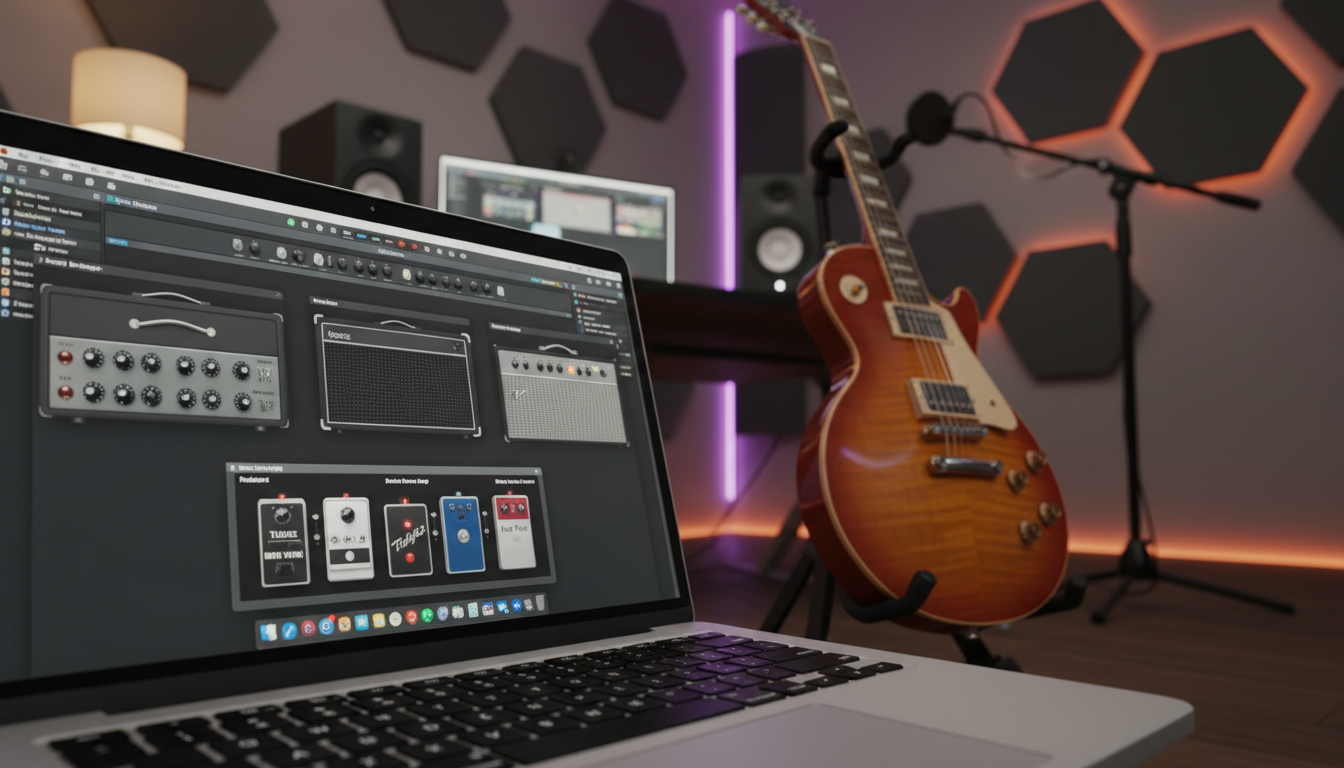
Guitar plugins fall into several categories. These include amp simulators, distortion and overdrive plugins, delay and reverb effects, and modulation effects. Amp simulators are very popular. They let guitarists mimic the sound of many amplifiers and cabinets without needing real hardware.
The best amp simulators for recording offer a wide range of sounds. You can go from clean and clear to very distorted. Brands like Neural DSP and Line 6 are known for their top-notch amp simulations.
How to Choose the Right Plugins for Your Setup
Choosing the right plugins depends on your music style, guitar type, and the sound you want. For example, metal guitarists often look for distortion and overdrive plugins to get heavy, aggressive sounds.
It’s also crucial to think about if the plugins work well with your digital audio workstation (DAW) and the plugin’s user interface. A good interface can make your work easier.
By knowing the main types of guitar plugins and what you need, you can create a strong and flexible recording setup. This setup will boost your music production skills.
Amp Simulator Plugins: Digital Recreations of Classic Gear
Amp simulator plugins are great for getting top-notch guitar sounds in the digital studio. They mimic the sound of famous guitar amps. This lets musicians try out many tones without needing lots of physical amps.
Neural DSP Quad Cortex and Plugins
The Neural DSP Quad Cortex is a top amp simulator plugin. It’s known for its amazing sound and flexibility. It uses advanced AI to capture the details of different amps, giving guitarists a wide range of tones.
Key Features of Neural DSP Quad Cortex:
- Advanced AI technology for capturing amp nuances
- High-quality sound with detailed dynamics
- Flexible routing options for complex signal chains
Line 6 Helix Native
Line 6 Helix Native is a well-liked amp simulator plugin. It has a wide range of tones and effects. Its easy-to-use interface and high-quality sound make it a hit with both pros and hobbyists.
Notable Features of Line 6 Helix Native:
- Extensive library of amp models and effects
- Intuitive interface for easy navigation
- Seamless integration with DAWs
IK Multimedia AmpliTube 5
IK Multimedia AmpliTube 5 is a powerful amp simulator plugin. It has a huge collection of amp models, cabinets, and effects. It’s made to give a real playing feel, with dynamic amp modeling and customizable mic setups.
Key Features of IK Multimedia AmpliTube 5:
- Extensive collection of amp models and effects
- Dynamic amp modeling for realistic response
- Customizable mic setups for precise tone shaping
Impulse Response (IR) Loaders
Impulse Response (IR) Loaders are key for guitarists wanting to improve their tone. IRs capture the sound of real cabinets and microphones. This lets for very realistic simulations.
Benefits of Using IR Loaders:
- Accurate capture of cabinet and mic characteristics
- Flexibility in tone shaping with various IRs
- Enhanced realism in guitar simulations
Essential Effects Plugins for Guitar Processing
Effects plugins are key in modern guitar recording. They offer a wide range of tones. The right plugins are essential for a professional sound. They can turn a simple guitar sound into a rich, complex mix.

Distortion and Overdrive Plugins
Distortion and overdrive plugins add grit and character to your sound. They can go from subtle warmth to extreme fuzz. The Boss DS-1 and Tube Screamer emulations are favorites among guitarists.
“The right distortion plugin can make your guitar sound come alive,” says a renowned guitarist. “It’s all about finding the perfect balance between cleanliness and grit.”
Delay and Reverb Effects
Delay and reverb effects add depth and space. Delay plugins can create echoes or complex patterns. Reverb plugins simulate environments, from small rooms to concert halls. Valhalla Room and FabFilter Pro-R are top choices for reverb.
Modulation Effects: Chorus, Flanger, and Phaser
Modulation effects like chorus, flanger, and phaser add movement. They can change your sound from subtle to extreme. The Electro-Harmonix Small Clone chorus pedal is a classic example.
Utility Effects: Compression, EQ, and Noise Gates
Utility effects like compression, EQ, and noise gates refine your sound. Compression controls dynamics, EQ adjusts tone, and noise gates reduce noise. Plugins like FabFilter Pro-C 2 and Pro-Q 3 offer precise control.
In conclusion, the right effects plugins are crucial for a high-quality guitar sound. By using distortion, delay, reverb, modulation, and utility effects, you can greatly improve your sound.
Guitar-Focused EQ and Dynamic Processors
In guitar recording, EQ and dynamic processors are key. They help shape the sound. Getting a great guitar tone is not just about playing well. It’s also about using the right tools to enhance your sound.
FabFilter Pro-Q 3 and Pro-C 2
FabFilter Pro-Q 3 and Pro-C 2 are top plugins in music production. Pro-Q 3 lets you control your guitar’s sound with precision. Pro-C 2 adds punch and controls dynamics.
Key Features of FabFilter Pro-Q 3:
- Dynamic EQ capabilities
- High-quality spectrum analyzer
- Mid/Side processing
Key Features of FabFilter Pro-C 2:
- Transparent compression
- Soft Knee and Auto Release features
- Sidechaining capabilities
Waves GTR Tools and PRS SuperModels
Waves GTR Tools and PRS SuperModels offer professional-grade processing. GTR Tools has amp and cabinet simulations. PRS SuperModels models PRS amps accurately.
| Plugin | Key Features |
|---|---|
| Waves GTR Tools | Amp and cabinet simulations, EQ, and compression |
| PRS SuperModels | Accurate models of PRS amps, versatile tone shaping |
Producer and engineer
“Using the right EQ and compression techniques can make a huge difference in your guitar sound. It’s not just about making it loud, it’s about making it sound great.”
Guitar-Specific EQ Techniques
EQ is a powerful tool for shaping your guitar tone. By boosting or cutting specific frequencies, you can enhance your guitar’s natural sound or create new tones.
Some common guitar-specific EQ techniques include:
- Boosting around 100 Hz to add weight
- Cutting around 200-300 Hz to reduce muddiness
- Boosting around 2-4 kHz to enhance clarity and presence
By combining these EQ techniques with the right dynamic processors, you can achieve a rich, balanced guitar sound that sits well in your mix.
Specialized Guitar Recording Software Suites
Finding the perfect guitar tone is now easier with specialized recording software suites. These all-in-one solutions help guitarists get high-quality recordings without needing lots of hardware.
BIAS FX 2 by Positive Grid
BIAS FX 2 is a top-notch guitar processing software. It has many amp models, effects, and cab simulations. Its easy-to-use interface is great for guitarists of all skill levels.
BIAS FX 2 stands out because it works well with other recording software. This makes it perfect for both live shows and studio work.
Guitar Rig 7 by Native Instruments
Guitar Rig 7 is a leading software suite for guitar processing. It has a huge library of amp simulations, effects, and speaker cabinets.
Guitar Rig 7 is known for its excellent sound quality and flexible settings. It lets guitarists create unique tones easily.
Budget-Friendly Alternatives
If you’re on a tight budget, there are still great options. Software like Amplitube and LePou plugins offer quality amp simulations and effects at a lower cost.
When looking for affordable options, think about what you need for your recording setup. Also, consider the music you make.
Integrating Hardware Pedals with Digital Recording
Adding hardware pedals to your digital recording setup changes the game for guitarists. It mixes the unique tones of analog pedals with digital recording’s flexibility. This combo brings out a richer, more complex sound.
Audio Interfaces for Pedal Integration
To link hardware pedals with your digital recording, you need the right audio interface. It connects your pedals to your computer, capturing top-notch recordings. When picking an audio interface, think about these key points:
- Number of Inputs: Make sure it has enough inputs for your pedalboard and other instruments.
- Quality of Preamp: A top-notch preamp is key for a clear, noise-free guitar signal.
- Connectivity Options: Choose interfaces with various connections like XLR, TRS, and MIDI. This lets you use different pedals and gear.
Re-amping Techniques and Tools
Re-amping lets you re-record a dry guitar signal through your amp and pedals. This gives you more control over your tone when mixing. To re-amp well, you’ll need:
- A reamping box or device: It changes the line-level signal from your DAW to an instrument-level signal for your guitar amp.
- A high-quality cable: It keeps the signal strong and clear.
- A well-treated room: It reduces unwanted sounds and ensures a clean re-amped signal.
By using hardware pedals with digital recording and re-amping, guitarists can get a more varied and dynamic sound. This blends the best of analog and digital worlds.
Advanced Guitar Mixing and Mastering Plugins
To make your guitar sound better, you need to know about advanced mixing and mastering plugins. These tools can really boost your recording’s quality. They make your sound professional and polished.
Multi-band Processing for Guitar
Multi-band processing splits your guitar signal into different frequency bands. You can then process each band separately. This method is great for getting a balanced sound.
- Frequency Control: You can tweak specific frequency ranges to improve or fix your tone.
- Dynamic Processing: Use compression or expansion on certain bands to manage dynamics.
Plugins like FabFilter Pro-Q 3 and Waves C4 are top choices for multi-band processing. They give you precise control over your guitar’s sound.
Spatial and Stereo Enhancement Tools
Tools for spatial and stereo enhancement can make your guitar sound more immersive. They add depth and width to your sound.
- Stereo Widening: These techniques make your guitar sound more expansive in stereo.
- Reverb and Spatial Effects: Adding ambiance to your guitar sound creates a sense of space.
Plugins such as iZotope Imagine and Valhalla Room are known for their ability to create rich, immersive spatial effects.
Creating Professional Guitar Tones in the Box
To get a professional guitar tone, you need good recording techniques, the right plugins, and skilled mixing.
- Selecting the Right Plugins: Pick plugins that enhance your guitar’s natural tone.
- Balancing Your Mix: Make sure your guitar blends well with other instruments in the mix.
- Mastering Your Track: Prepare your final mix for distribution by enhancing its overall sound.
Using advanced guitar mixing and mastering plugins can greatly improve your recordings. You’ll get a professional sound that really stands out.
Conclusion: Building Your Ideal Guitar Recording Chain
Creating the perfect guitar recording chain is all about choosing the right plugins and effects. Amp simulator plugins like Neural DSP Quad Cortex and Line 6 Helix Native let you shape your tone in many ways. Adding distortion, delay, and reverb effects can make your sound even better.
For a complete setup, mix hardware pedals with digital recording tools. Use audio interfaces and re-amping to get the best sound. Tools like FabFilter Pro-Q 3 help fine-tune your tone. Software like BIAS FX 2 and Guitar Rig 6 offer everything you need for top-notch recordings.
By picking the best plugins and using guitar recording software, you can create a sound that stands out. Try different setups to find what works best for you. Always be open to trying new plugins and effects to keep your sound fresh and cutting-edge.
FAQ
What are the best plugins for guitar recording?
Top plugins for guitar recording include amp simulators like Neural DSP Quad Cortex and Line 6 Helix Native. Also, IK Multimedia AmpliTube 5 is great. You’ll also want distortion and overdrive plugins, delay and reverb effects, and modulation effects.
What is the difference between hardware and software solutions for guitar recording?
Hardware solutions use physical gear like amplifiers and pedals. Software solutions use digital plugins in recording software. Software is more flexible and convenient. But, hardware can give a unique tone.
How do I choose the right plugins for my guitar recording setup?
Think about your music type, tone goals, and budget. Look up different plugins and read reviews. This will help you pick the best ones for you.
What are Impulse Response (IR) Loaders, and how are they used in guitar recording?
IR Loaders are plugins for using impulse responses. These are recordings of an amplifier or cabinet’s tone. They can enhance your guitar’s sound, adding depth and complexity.
What are some essential effects plugins for guitar processing?
Key effects plugins include distortion and overdrive, delay and reverb, and modulation effects like chorus and flanger. Also, utility effects like compression and EQ are important.
How can I integrate hardware pedals with digital recording?
Connect your pedals to your computer with an audio interface. Or, use a re-amping technique. This involves re-recording your guitar signal through your pedals and amplifier.
What are some advanced guitar mixing and mastering plugins?
Advanced plugins include multi-band processing and spatial enhancement tools. They help create professional-sounding guitar tones without needing a lot of hardware.
What are some budget-friendly alternatives to high-end guitar recording software suites?
Affordable options include Guitar Rig 7 by Native Instruments and BIAS FX 2 by Positive Grid. Universal Audio’s UAD plugins are also budget-friendly.
How can I achieve a professional-sounding guitar tone using plugins and effects?
Mix plugins and effects that match your style and music. Try different amp simulators and effects. Experiment with mixing and mastering plugins to find the perfect sound.